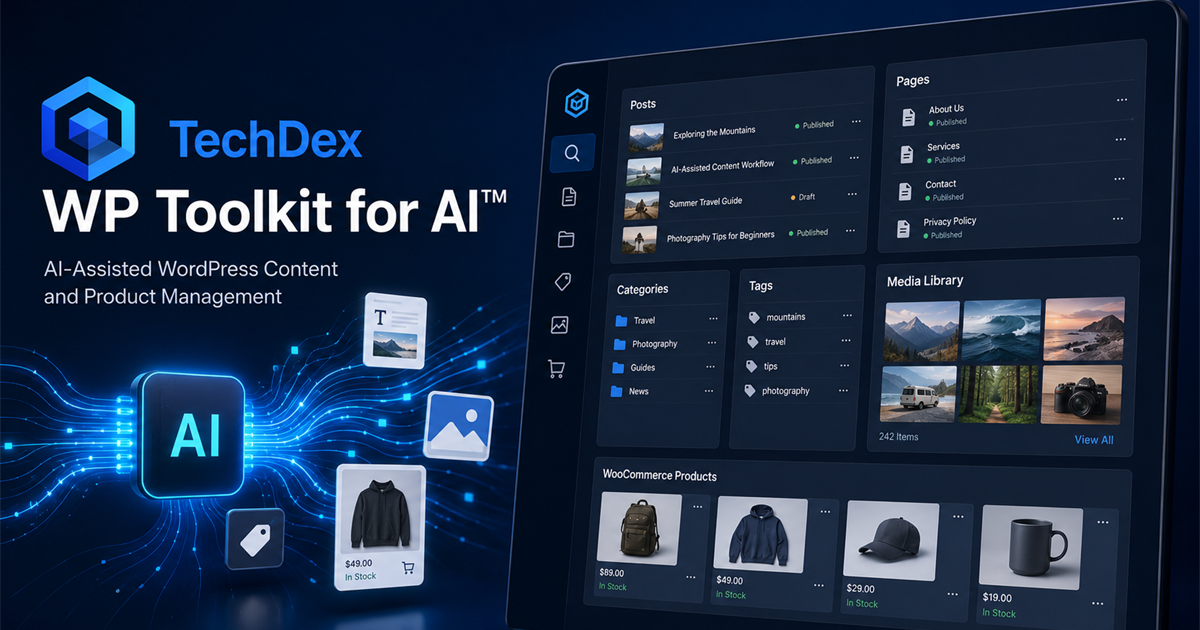
An Agentic Execution Layer For WordPress

Give AI a real way to operate WordPress without forcing it through the backend.

TechDex WP Toolkit for AI™ is a local, CLI-primary execution layer that lets AI inspect a live WordPress site, understand what it is working with, and make targeted content, comments, media, navigation, taxonomy, WooCommerce, redirects, and premium site-control changes through a structured WordPress workflow instead of backend prompting, browser automation, or connector sprawl.

TechDex WP Toolkit for AI banner graphic
  • Turns WordPress into something agents can actually work with
  • CLI-primary for technical users who want a real command surface
  • Saves time by reducing manual admin work and cleanup
  • Live site guardrails and local change history built in for safer operation
  • Standard and premium lanes for different levels of WordPress control

Watch The Workflow

Four WordPress posts, from draft to published, in less than an hour.

Come sit down with me and look over my shoulder as I use TechDex WP Toolkit for AI™ to create four "humanized," SEO/AI optimized WordPress posts with featured images - from draft to publish in less than an hour.

You will see the real working rhythm: shaping the copy, humanizing the language, tightening each post for SEO and AI discovery, adding featured images, and publishing the finished posts. The speed comes from staying in the workflow while the toolkit handles the repeated WordPress steps.

  • Real working session, not a staged feature tour
  • Shows content, SEO, AI optimization, and media workflow together
  • Demonstrates how the toolkit compresses repetitive WordPress admin work

What It Does

It gives AI a real operating surface for WordPress work.

Most people are still trying to force AI through wp-admin, generic REST wrappers, or a mashup of third-party tools. TechDex WP Toolkit for AI™ gives the agent a local, CLI-primary command surface so WordPress work becomes repeatable, inspectable, and dramatically faster to execute.

Inspection

See the site before changing it

Agents can inspect site structure, posts, pages, comments, taxonomies, media, navigation, widgets, sidebars, WooCommerce products, redirects, and 404 logs before touching anything, which cuts down on guesswork and bad live edits.

Execution

Make targeted updates

Create or update content, moderate comments, upload media, assign featured images, manage WooCommerce products, and clean up redirects without bouncing through brittle browser workflows or stitching together multiple APIs.

Accountability

Keep a local record of what changed

Every supported change can be tracked locally so there is a human-readable trail instead of trying to reconstruct what an agent did after the fact or clean up invisible automation mistakes.

Why It Matters

AI can save an absurd amount of time. It still needs a system around it.

Without an execution layer, AI-driven WordPress work usually turns into backend prompting, connector sprawl, or custom glue code that nobody wants to maintain. That creates friction, inconsistent results, and extra cleanup. This toolkit exists to remove that waste.

Less admin friction

The toolkit gives the agent a direct operating layer instead of making it stumble through admin screens one brittle click at a time.

Less cleanup

Inspect-first workflow, guardrails, and structured commands reduce the amount of manual cleanup that usually follows loose AI-assisted site work.

More leverage

Once the execution layer exists, the same toolkit can support content, pages, comments, redirects, media, navigation, WooCommerce, and premium site-control work across real production sites without rebuilding the workflow every time.

Capabilities

What it actually lets AI do

This is focused on real day-to-day WordPress operations: inspection, content work, media handling, comment moderation, widget updates, navigation changes, taxonomy management, WooCommerce product updates, redirect cleanup, and 404 review. The premium License Free edition extends that further into settings, Additional CSS, Wordfence, error-log, spam-control, writing-ping, and user-hygiene workflows through the companion plugin. It is not theme development or server administration.

WordPress Content

  • Inspect live site structure
  • Create and update posts
  • Create and update pages
  • Move posts and pages back to draft
  • Delete posts and pages when needed
  • Moderate comments and review comment URLs
  • Audit comments for spam-review signals

Media And Organization

  • Upload media
  • Update media metadata
  • Assign featured images
  • Create and update categories
  • Create and update tags
  • Inspect and manage widgets and sidebars
  • Inspect and update exposed navigation objects

Premium License Free Features

  • Everything in the Standard Edition
  • Supported WordPress settings inspection and updates
  • Additional CSS inspect, backup, diff, update, and restore
  • WordPress/PHP error-log inspection
  • Comment spam-control and Writing ping-list templates
  • Wordfence firewall, block, live-traffic, and security-event workflows
  • User inspection, user audit, password reset, and role-removal workflows
  • Built for more advanced internal operator workflows

Plugin Support

  • WooCommerce
  • Redirection
  • Wordfence
  • TechDex Toolkit Companion
  • More supported plugin workflows over time

Plugin workflows are handled as supported surfaces inside the toolkit, so the product can grow without turning this page into a plugin-by-plugin manual.

See Full Capabilities

If AI is going to touch a live WordPress site, it needs more than access. It needs an execution layer.

Ready To Get Started?

Choose the level of WordPress control you want to give your AI.

Start with the standard edition when you want the core toolkit for content, comments, media, WooCommerce, redirects, and everyday site work. Choose License Free when you want the premium operator version with no activation step and deeper companion-backed control for settings, security, CSS, logs, spam controls, ping lists, and user hygiene.

Standard Edition

TechDex WP Toolkit for AI™

$497

Best for most buyers who want the core execution layer, guided registration, normal activation, and a faster way to manage WordPress content, comments, widgets, WooCommerce products, and redirects with AI.

  • License issued after registration
  • Activation required
  • Posts, pages, media, categories, tags, and navigation workflows
  • Comment moderation, comment URL checks, and comment audits
  • Widget and sidebar management included
  • WooCommerce and Redirection support included
  • Designed for supported, site-based usage
Buy Licensed Version

FAQ

Common questions about using AI with WordPress.

If you are wondering what this actually helps with, start here. These are the questions people usually have before letting an AI agent do real WordPress work.

How does TechDex WP Toolkit for AI help me use AI with WordPress more safely?

It gives the agent a structured command surface instead of asking it to improvise through wp-admin or raw API calls. The normal workflow is inspect first, review the object, make a targeted change, then review the result.

Can this help my AI agent update WordPress without clicking around wp-admin?

Yes. The toolkit is CLI-primary, so supported WordPress work can be handled through local commands instead of brittle browser automation. That is especially useful for posts, pages, media, comments, WooCommerce products, redirects, and premium operator workflows.

What WordPress tasks can an AI agent actually handle with the toolkit?

Supported workflows include inspecting the site, managing posts and pages, uploading and updating media, working with categories and tags, moderating comments, reviewing widgets and navigation, updating WooCommerce products, and managing supported redirect and 404 workflows.

How does this save time compared to manually managing WordPress?

It reduces the repeated admin work that usually slows WordPress maintenance down: finding the right object, checking the current state, making a focused change, and confirming the result. The time savings are strongest when you have recurring content, media, comment, store, or redirect cleanup work.

Can it help with WooCommerce product updates?

Yes. The standard edition includes WooCommerce workflows for inspecting, listing, creating, and updating products, including product metadata and variable pricing workflows where supported.

Can it help clean up redirects and 404 errors?

Yes. The toolkit supports Redirection plugin workflows, including redirect inspection, redirect logs, 404 logs, redirect candidates, URL tracing, and supported redirect rule changes.

Does this replace my WordPress dashboard?

No. It gives AI and technical operators a better execution path for supported tasks. You still keep WordPress, wp-admin, your plugins, and human review. The point is not to replace WordPress; it is to stop forcing AI through the least reliable part of the workflow.

Why is a CLI-primary tool useful for AI-assisted WordPress work?

A CLI-primary tool gives agents and technical users a predictable command surface. That makes work easier to repeat, inspect, document, and automate than click-based workflows that depend on whatever the admin screen looks like that day.

How is this different from a WordPress connector or browser automation?

Connectors often expose access, but they do not always provide a full operating workflow. Browser automation can be fragile because it depends on screens, clicks, and page state. TechDex WP Toolkit for AI is built as a local execution layer with supported commands and guardrails.

Can this help reduce mistakes when AI is working on a live site?

It can reduce common mistakes by encouraging inspection before action, limiting work to supported commands, and keeping changes focused. It does not remove the need for human review, especially for live-site changes, deletes, pricing, redirects, users, or security-related workflows.

What does the License Free edition add beyond the standard version?

License Free includes everything in the standard edition, removes the activation requirement, and adds premium companion-backed workflows for settings, Additional CSS, error logs, comment spam controls, writing pings, users, Wordfence, and deeper operator work.

Who is this toolkit best for?

It is best for WordPress site owners, agencies, developers, technical operators, AI-assisted content teams, and WooCommerce operators who want AI to do real supported WordPress work without relying on manual admin clicking or one-off custom glue code.