How does TechDex WP Toolkit for AI help me use AI with WordPress more safely?
It gives the agent a structured command surface instead of asking it to improvise through wp-admin or raw API calls. The normal workflow is inspect first, review the object, make a targeted change, then review the result.
Can this help my AI agent update WordPress without clicking around wp-admin?
Yes. The toolkit is CLI-primary, so supported WordPress work can be handled through local commands instead of brittle browser automation. That is especially useful for posts, pages, media, comments, WooCommerce products, redirects, and premium operator workflows.
What WordPress tasks can an AI agent actually handle with the toolkit?
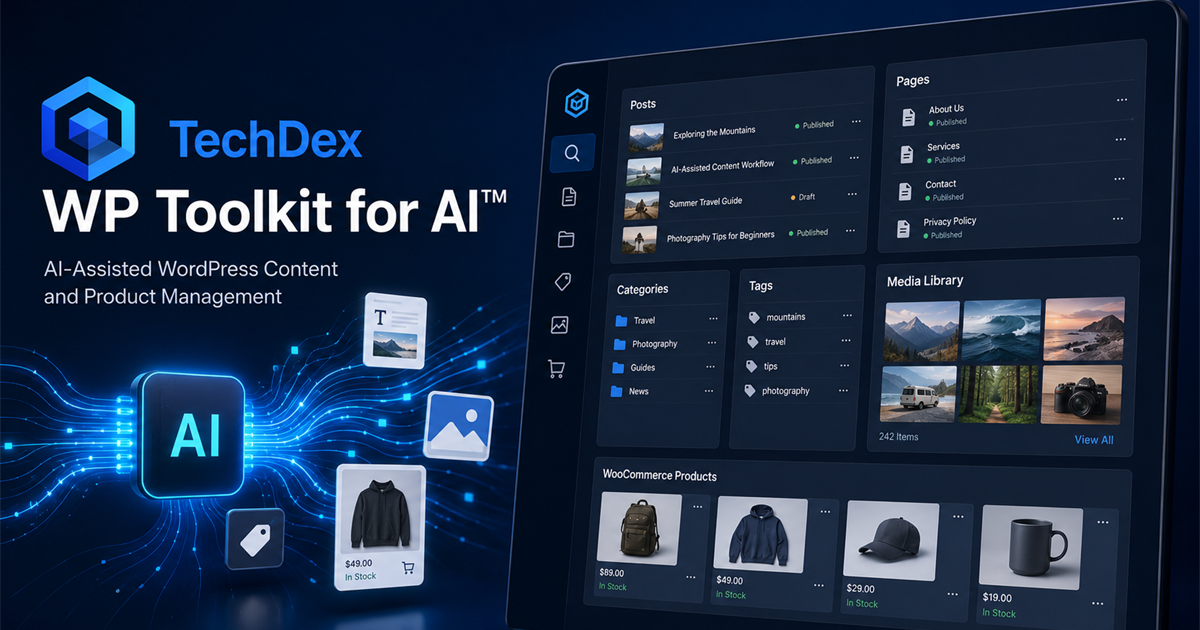
Supported workflows include inspecting the site, managing posts and pages, uploading and updating media, working with categories and tags, moderating comments, reviewing widgets and navigation, updating WooCommerce products, and managing supported redirect and 404 workflows.
How does this save time compared to manually managing WordPress?
It reduces the repeated admin work that usually slows WordPress maintenance down: finding the right object, checking the current state, making a focused change, and confirming the result. The time savings are strongest when you have recurring content, media, comment, store, or redirect cleanup work.
Can it help with WooCommerce product updates?
Yes. The standard edition includes WooCommerce workflows for inspecting, listing, creating, and updating products, including product metadata and variable pricing workflows where supported.
Can it help clean up redirects and 404 errors?
Yes. The toolkit supports Redirection plugin workflows, including redirect inspection, redirect logs, 404 logs, redirect candidates, URL tracing, and supported redirect rule changes.
Does this replace my WordPress dashboard?
No. It gives AI and technical operators a better execution path for supported tasks. You still keep WordPress, wp-admin, your plugins, and human review. The point is not to replace WordPress; it is to stop forcing AI through the least reliable part of the workflow.
Why is a CLI-primary tool useful for AI-assisted WordPress work?
A CLI-primary tool gives agents and technical users a predictable command surface. That makes work easier to repeat, inspect, document, and automate than click-based workflows that depend on whatever the admin screen looks like that day.
How is this different from a WordPress connector or browser automation?
Connectors often expose access, but they do not always provide a full operating workflow. Browser automation can be fragile because it depends on screens, clicks, and page state. TechDex WP Toolkit for AI is built as a local execution layer with supported commands and guardrails.
Can this help reduce mistakes when AI is working on a live site?
It can reduce common mistakes by encouraging inspection before action, limiting work to supported commands, and keeping changes focused. It does not remove the need for human review, especially for live-site changes, deletes, pricing, redirects, users, or security-related workflows.
What does the License Free edition add beyond the standard version?
License Free includes everything in the standard edition, removes the activation requirement, and adds premium companion-backed workflows for settings, Additional CSS, error logs, comment spam controls, writing pings, users, Wordfence, and deeper operator work.
Who is this toolkit best for?
It is best for WordPress site owners, agencies, developers, technical operators, AI-assisted content teams, and WooCommerce operators who want AI to do real supported WordPress work without relying on manual admin clicking or one-off custom glue code.